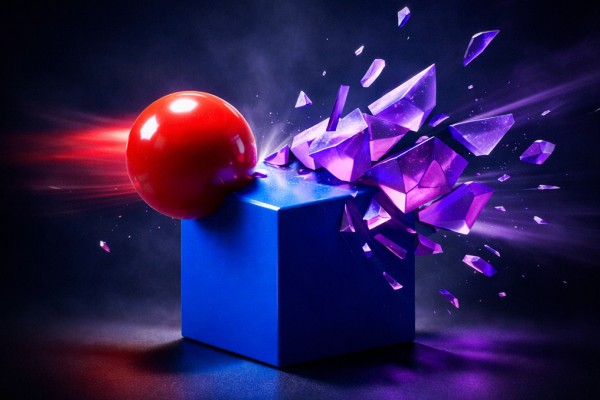
PhysicDesk
proA real-time 2D physics simulator for After Effects — fast, accurate, and running right inside your viewport. Build scenes with dynamic, static, and animated bodies; connect them through pivot, weld, spring, wheel, and rope joints; add force zones for wind, magnets, portal, and explosions; layer in particle emitters, fracture, soft bodies, and sound-driven motion. When the simulation looks right, bake every motion path into native After Effects keyframes — fully editable, ready to render.
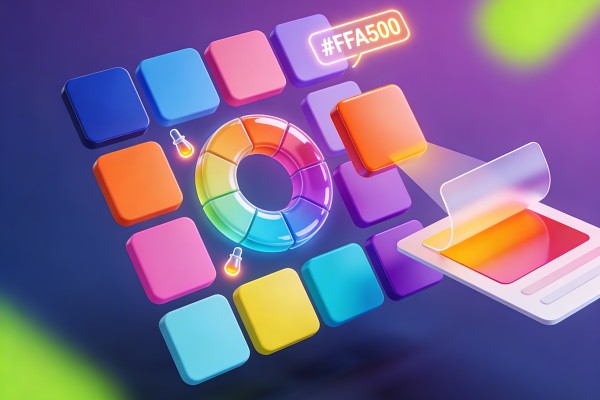
Palette
proA complete color management system for After Effects. Build and organize multiple palettes, generate harmonious color schemes from any base color, extract colors from layers or image files, find and replace colors across your comp, and expression-link layer fills to a shared color hub for live project-wide color updates.
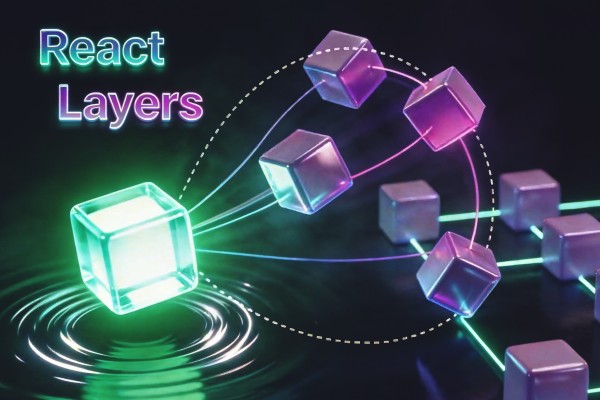
React Layers
proMake layers react to each other — weave apart, repel/attract, follow with delay, scatter outward, or transform inside a zone field. Expression-based, fully controllable.
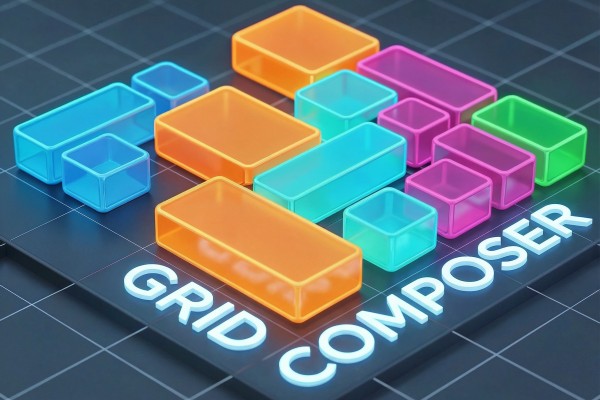
Grid Composer
proVisual grid layout designer for After Effects. Create grid, split, random, and custom layouts with drag-and-drop editing, then export as shape layers, solid masks, nested compositions, or comp mattes with optional Null Controller for per-layer control of fill, stroke, size, position, and roundness.
Belt Wrapper
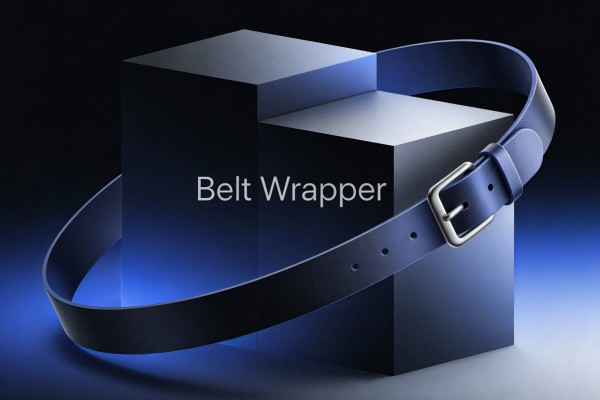
proCreate dynamic convex hulls that wrap around multiple Shape Layers, with automatic obstacle avoidance using deflection shapes. The belt follows your shapes in real-time as they move, scale, or rotate. Features include customizable stroke and fill styles, effect controls for easy adjustments, individual layer offsets, and round corners. Perfect for creating belts, bands, or boundaries around animated elements.
Grid Warp Shaper
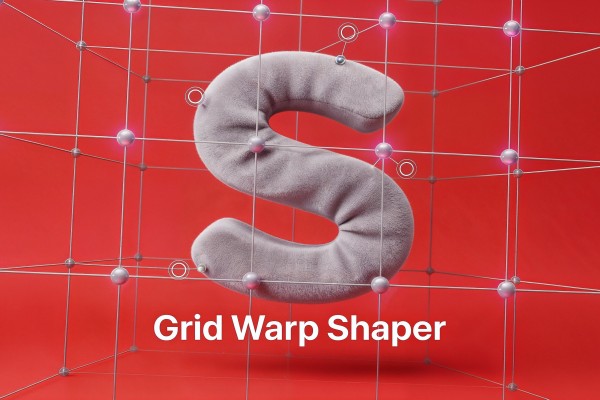
proApply grid-based mesh deformation to any Shape Layer using intuitive control points or line handles. Create flexible warping grids from 1×1 (simple 4-corner warp) up to 8×8 for precise control. Two control modes: Point Controls for individual vertex manipulation, or Line Controls for row/column-based adjustments.
Font Animator
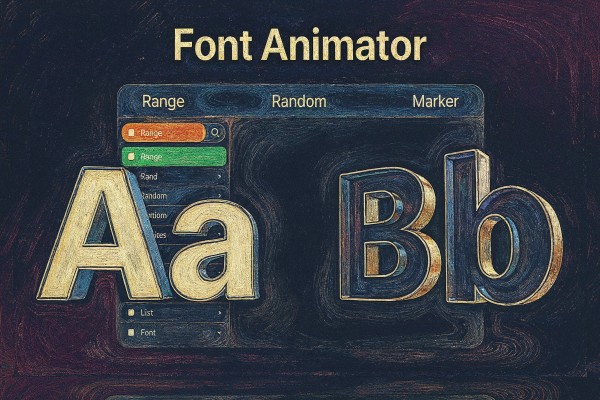
proApply multiple fonts inside a single text layer using Range, Random, or Marker modes. Control exactly where fonts change (by characters/words/lines), randomize font distribution with full styling controls, or switch fonts over time via markers. Includes include/exclude character filters and on-layer controls for easy keyframing.
Ease Lab
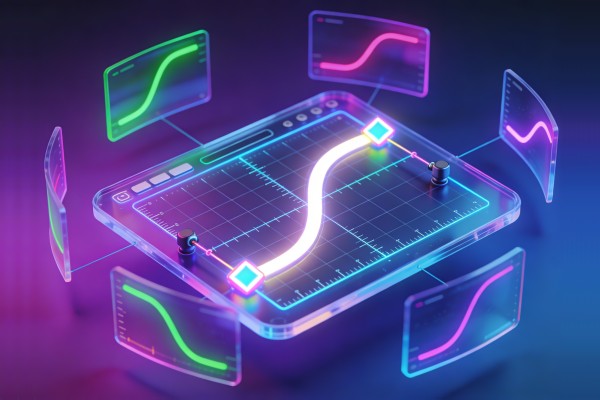
proA visual bezier curve editor for custom easing in After Effects. Drag control points to craft the exact ease curve you want, save it as a reusable preset, and apply it to any keyframed property — transforms, effects, masks, shapes, text, and more. Includes built-in presets (Ease Out, Ease In, In Out, Expo Out, Back Out) and supports organizing your library into custom categories.

Quick Path
proQuick folder path manager for After Effects. Save, organize and access your frequently used folders instantly. Features include color-coded paths, favorites, drag-and-drop reordering, 1/2 column view, and quick actions like Import, Open Project, Save As, and Import All Files.
Path Master
freeManipulate path and mask vertices directly within After Effects. Scale paths from Path/Layer/Comp center, move vertices in any direction, add points along segments with minimum distance control, and round sharp corners with adjustable radius. works with both Shape layers and Masks.
Zone Below
proDynamically reveal any part of the layer below using zone layers.
Number Maker
proCreate counters, live numbers, and timers as text layers in After Effects. Use Count (by duration or speed), Follow Property (direct or range-mapped), or Timer (static or live), with full formatting for decimals, thousand separators, currency/units, symbols, and optional prefix/suffix wrapping.
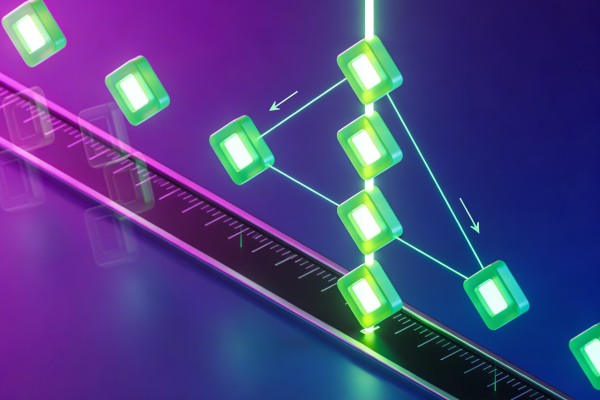
Key Align
proA massive keyframe manipulation toolkit covering shift, align, scale, duplicate, value operations, easing, looping, selection, and cleanup — over 60 operations organized into clean sections. Nudge keys by exact frames, snap to playhead or work area, distribute evenly, duplicate with flip, apply loop expressions, and cleanly snap to frame boundaries.
Lines Connection
proCreate procedural lines between selected layers. Choose connection graphs (Star, Chain, K-Nearest, Random, etc.), line styles (Arc/Wavy/Zigzag…), and control color, distance-based fading, and optional trim per layer—all organized automatically into grouped connections.

Stagger
proCascade layers and keyframes across time with precise offset control. Align to the first item or the playhead, stagger by exact frame intervals, randomize with min/max ranges, flip time assignments, and group layers by label color or by fixed chunks — the fastest way to build rhythmic, sequential animations across large selections.
Notes
freeA complete notepad and to-do manager inside your After Effects panel. Write rich-text notes with a full WYSIWYG editor, organize them by category, build simple or priority task lists, and never leave AE to jot down ideas, research, or project reminders — everything stays with you across sessions.

Select
proA unified layer selection powerhouse for After Effects. Select layers by type, hierarchy, position, name, or custom patterns — with modifier-key selection modes (replace, add, subtract, toggle), live filters, and one-click layer switch toggles for shy, lock, solo, visible, 3D, and motion blur. The fastest way to wrangle complex timelines.
Super Shine
proAdd animated shine/sweep effects to any layer with customizable direction, shape count, and distortion. Supports horizontal and vertical sweeps with 1, 2, 3, or 5 parallel light beams. Includes wave distortion option and automatic marker placement for timing control.
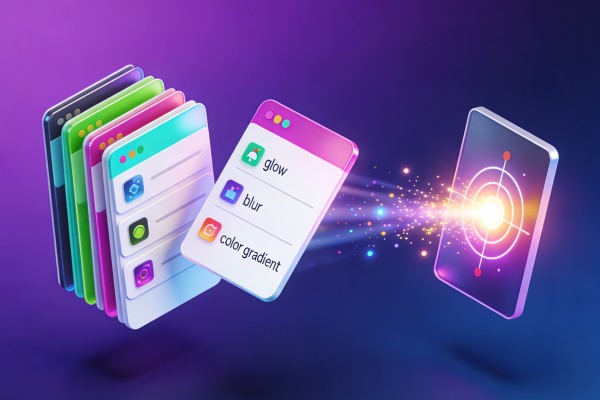
Effect Presets
proSave effect stacks from any layer as reusable presets, then apply them to any layer in one click. Each preset captures the full effect chain with all parameter values — build your personal library of signature looks and apply them across projects without digging through menus.
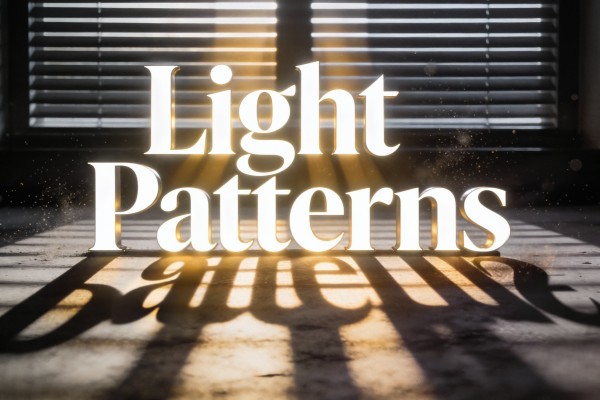
Light Patterns
proApply realistic light patterns and shadow overlays to your compositions. Includes 83 pre-made patterns across 6 categories: Window (33), Cross Frame (20), Curtain (12), Object (9), Blinds (7), and Underwater (2). Each pattern features adjustable position, rotation, intensity, color, shadow softness, and animation controls. Supports smart deletion.
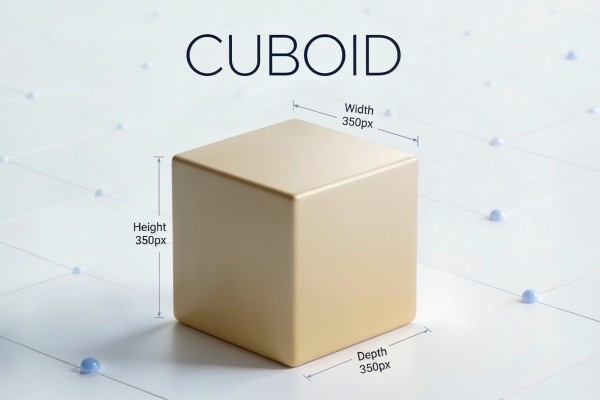
Cuboid
proAdvanced parametric 3D box generator with full control over dimensions, colors, stroke, and roundness. Supports multiple color modes (1/3/6 colors), optional side compositions for each face, rounded corners, and multi-box management. Create, duplicate, and remove independent 3D boxes with organized project structure.
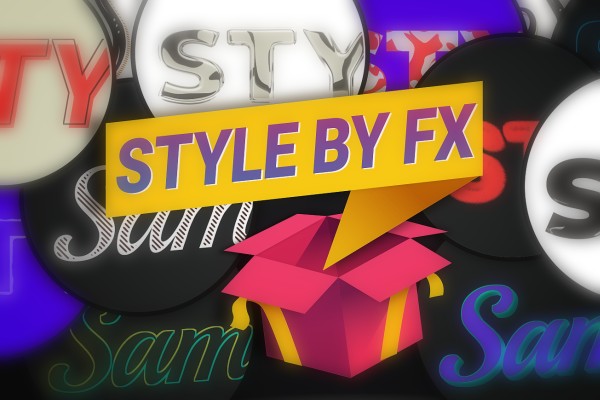
Style by FX
proCreate unique styles with effects for Text, Shapes, and pre-comps. Automatically replaces previous styles.
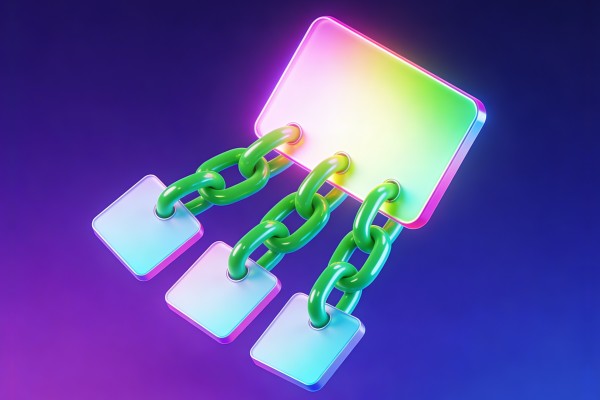
Parent
freeA complete parenting toolkit for After Effects. Create parent nulls or guide rectangles with smart positioning, chain layers together, copy and paste parent assignments, and link only specific transform channels (position, rotation, scale) via expressions — all with live selection info and keyframe-safe transforms.
Breeze
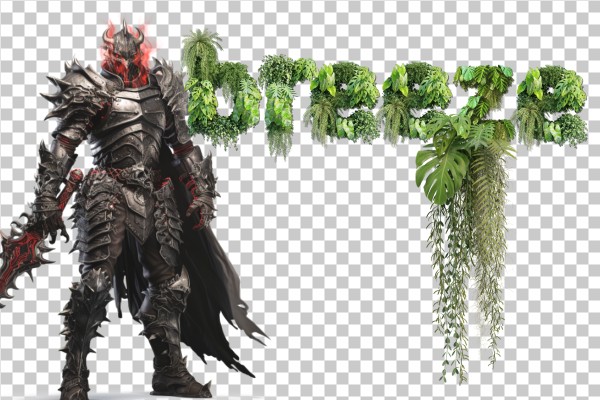
proApply realistic breeze/wave animation to layers using mask-based or overall positioning. Supports 5 directions (Top, Bottom, Left, Right, Center) with customizable presets (Default, Breeze, Erratic Wind, Slow Motion, etc.). Optional Two-way mode adds secondary wave for more natural movement.
Clone Offset
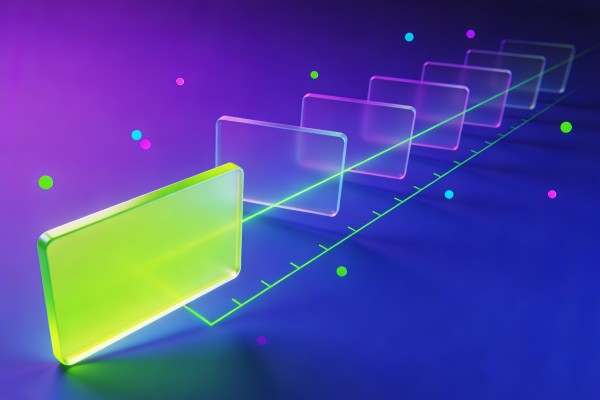
freeDuplicate any layer in one of eight directions with fully customizable position, rotation, scale, and opacity offsets. Chain up to 50 clones at once to build instant arrays, trails, and cascading patterns — each copy progressively offset from the last with keyframe-aware transforms.
Floor Shadow
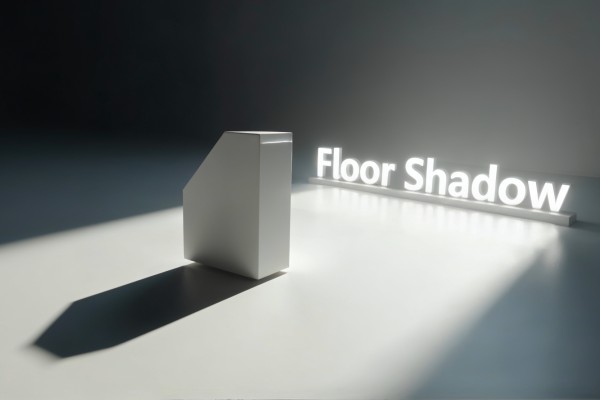
proCreate realistic floor shadows for any layer in After Effects. Features dynamic light source control that automatically calculates shadow angle and perspective, optional floor plane for precise positioning, customizable shadow softness with blur and feather controls, and tint options.
Soft Body
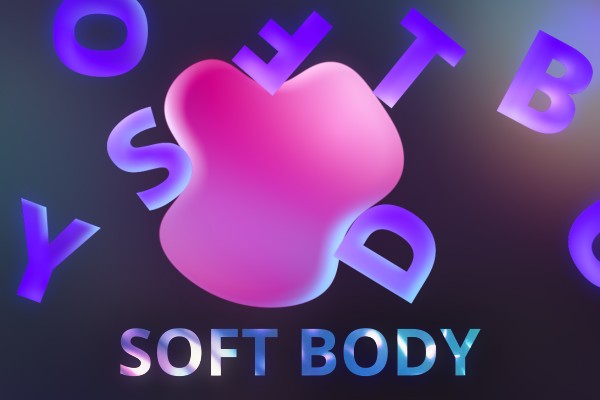
proCreate soft objects with collisions in After Effects.
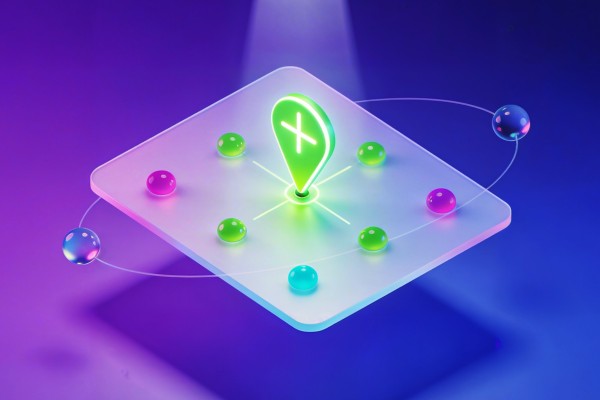
Anchor Point
freeInstantly snap the anchor point of any layer to one of nine precise positions with a single click. Works across multiple layers at once, with smart reference modes for layer bounds, composition, group center, or a specific reference layer.
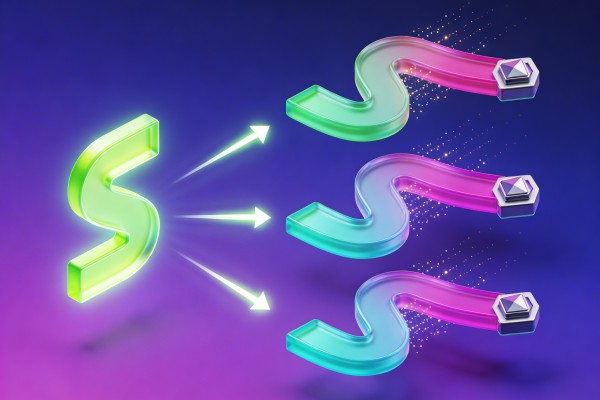
Ease Transfer
freeCopy the full easing and value data from any keyframe and paste it onto any other keyframes across your timeline. Transfer the ease curve, the keyframe value, or both — the fastest way to replicate a single keyframe's character across an entire animation.
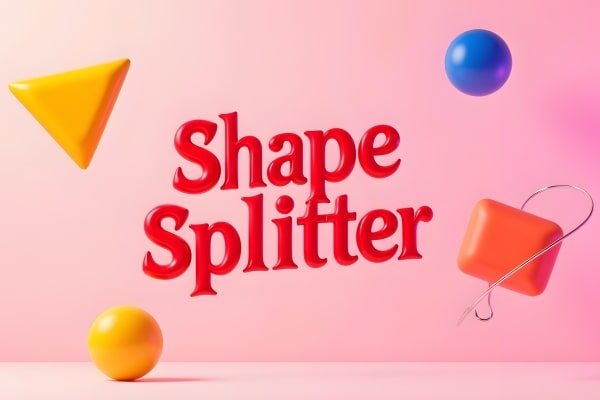
Shape Splitter
proSplit Shape Layers into editable pieces: separate Contents into new layers, turn a path into per-edge Lines (Bezier or Straight), or slice closed paths into filled polygon parts. Includes auto-centering, stroke options, anchor centering, Keep Original, and a Merge tool to recombine layers.
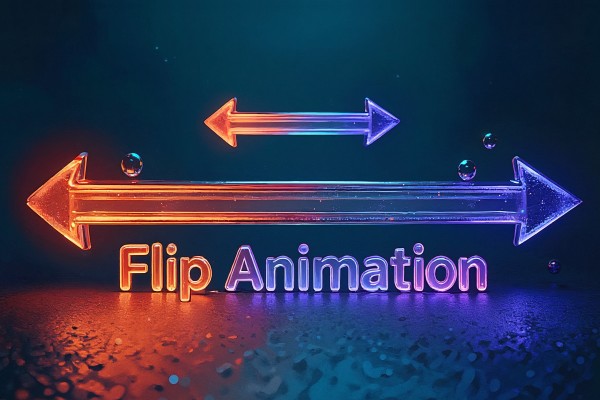
Flip Animation
proFlip and mirror layer position keyframes with full control over direction, reference point, and animation creation. Supports three flip directions (Horizontal, Vertical, Both) with two reference modes (Comp Center, Current Position). Create reversed keyframe animations with customizable delay and scale
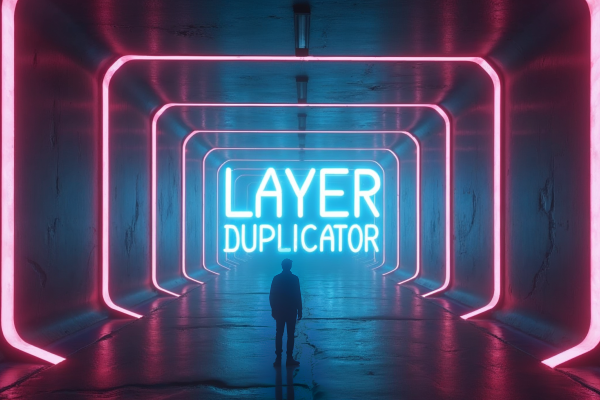
Layer Duplicator
freeDuplicate a selected layer N times and drive offsets (Position/Scale/Rotation/Opacity/Color/Blur) with an endpoint-preserving Bias. Includes optional parenting and time offset; 2D/3D aware; Scale supports Link X,Y.
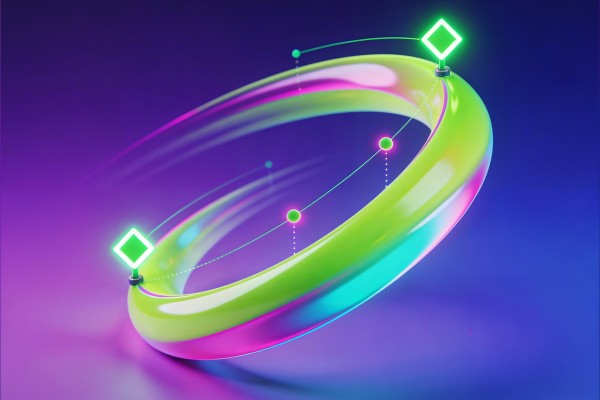
Ease
freeInteractive ease editor for keyframes with influence sliders, quick presets, interpolation type switching, and keyframe reversal. Read ease values from any selected keyframe, tweak them live, and apply with a single click — or jump straight to one of six curated presets.
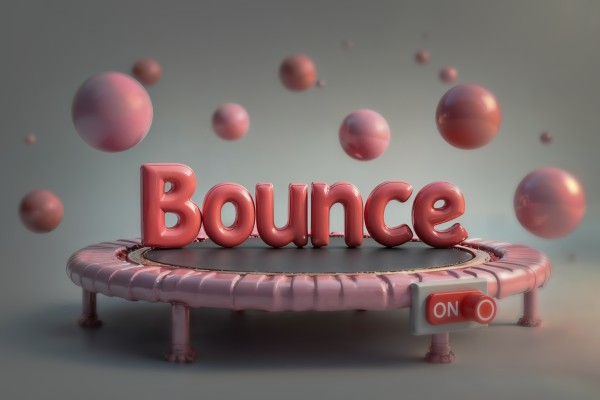
Bounce ON
freeKeyframe-driven bounce effect for any selected 1D/2D/3D property. Controls include Amplitude, Frequency, Decay, Bounce Back, Intensity, Speed, Last-Key Only, Direction-Only, Random Phase, and Random Seed.
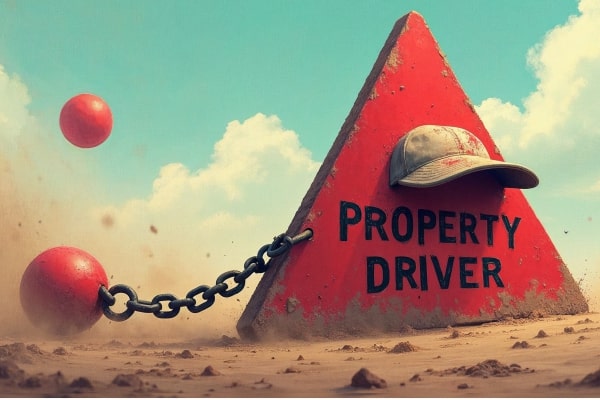
Property Driver
proLink any target property to a source property with flexible mapping modes (Relative Δ, Direct value×Scale+Offset, Range Remap). Supports component selection (X/Y/Z), Reverse Direction, Smooth Frames, optional Manual Adjust slider, cross-comp references, and one-click Swap.
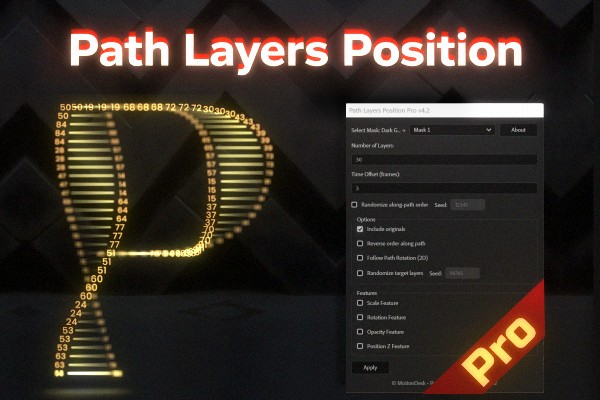
Path Layers Position
proDistribute and animate multiple layers along a mask path with curve-driven timing.
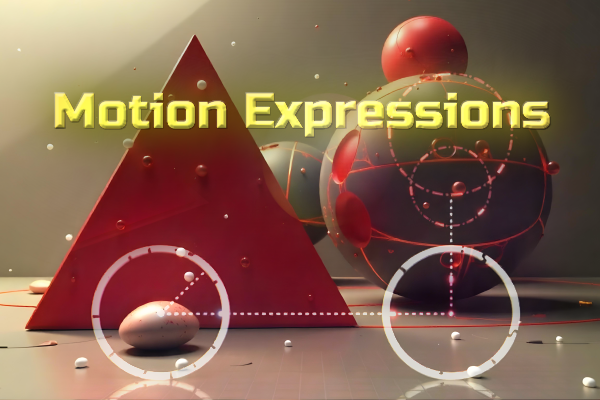
Motion Expressions
freeQuickly apply customizable motion expressions (Wave, Wiggle, Shapes, Loop, Noise, Time*Factor) to any property with auto-generated controls on the same layer.

Create
freeOne-click creation toolkit for compositions, layers, and custom shapes. Spawn new comps from industry-standard presets, drop in nulls, solids, text, adjustment layers, and pre-wired custom shapes (Spiral, Cross, Corner Rectangle) with built-in expression controls — all from a single customizable panel.
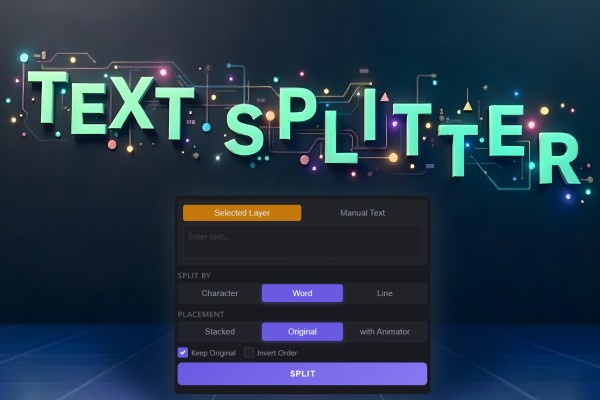
Text Splitter
freeSplit a text into separate layers by character, word, or line with smart placement.
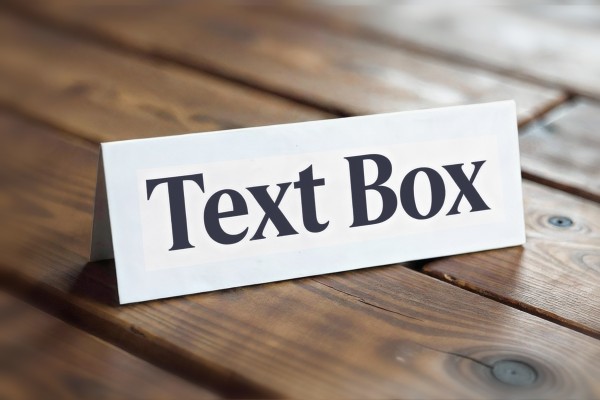
Text Box
freeAutomatically creates a responsive box behind text layers that follows and resizes with the text. Supports two modes: Shape Layer (creates a separate parented shape) and Effects Mode (applies effects directly to text). Features include customizable padding, stroke options, roundness, trim controls, and offset adjustments.