🔳 Shapes pro
Cuboid
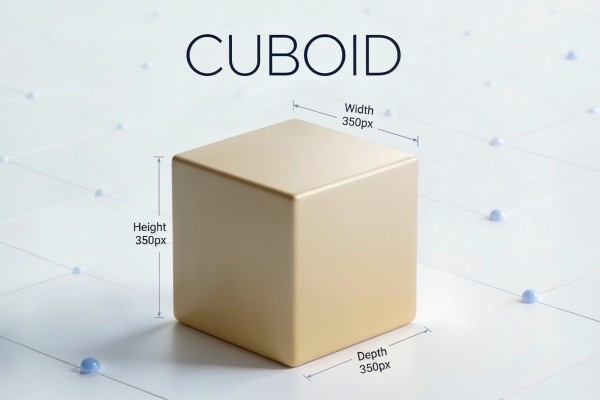
Advanced parametric 3D box generator with full control over dimensions, colors, stroke, and roundness. Supports multiple color modes (1/3/6 colors), optional side compositions for each face, rounded corners, and multi-box management. Create, duplicate, and remove independent 3D boxes with organized project structure.
Overview
Cuboid is an advanced parametric 3D box generator for After Effects with full control over size, colors, stroke, and corner roundness. Create a clean 3D box, optionally generate editable side compositions for each face (perfect for text, logos, and graphics), and manage multiple independent boxes with organized project folders.
Features
- Parametric 3D box with editable dimensions:
- Color modes:
- Optional Stroke (color + width)
- Rounded corner controls:
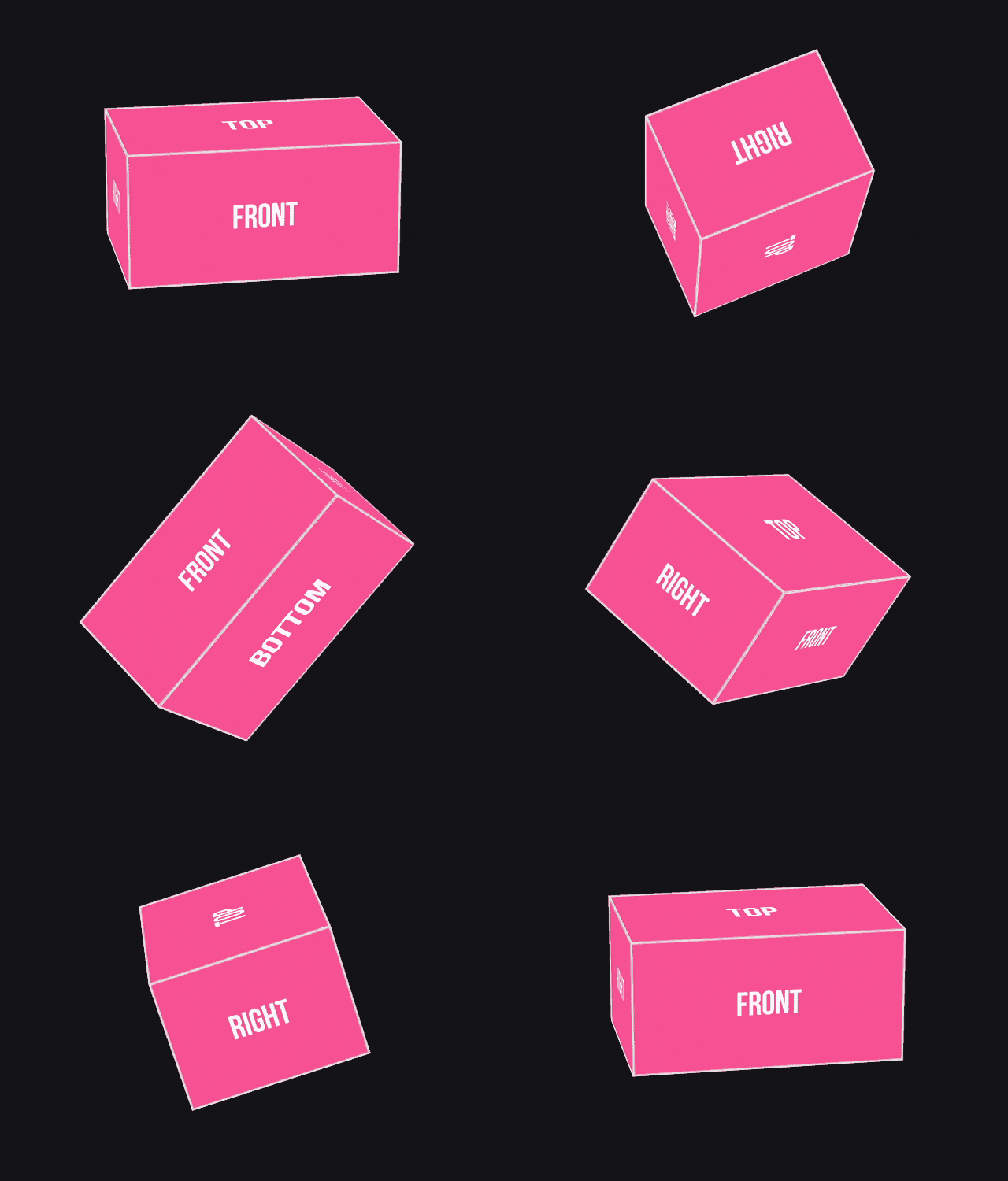
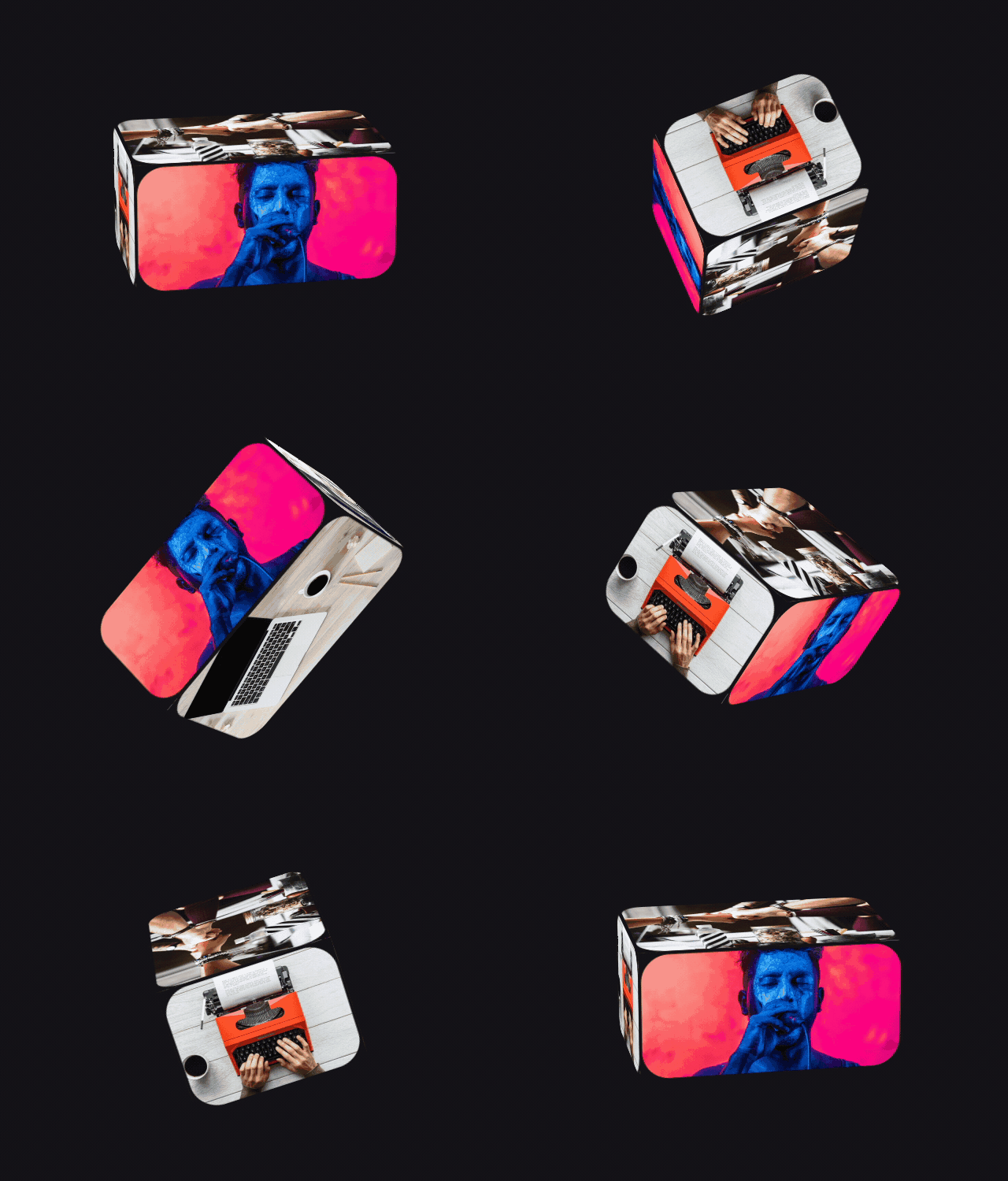
- Optional Side Comps per face:
- Multi-box workflow:
- Clean project organization:
How to Use
Creating a Box
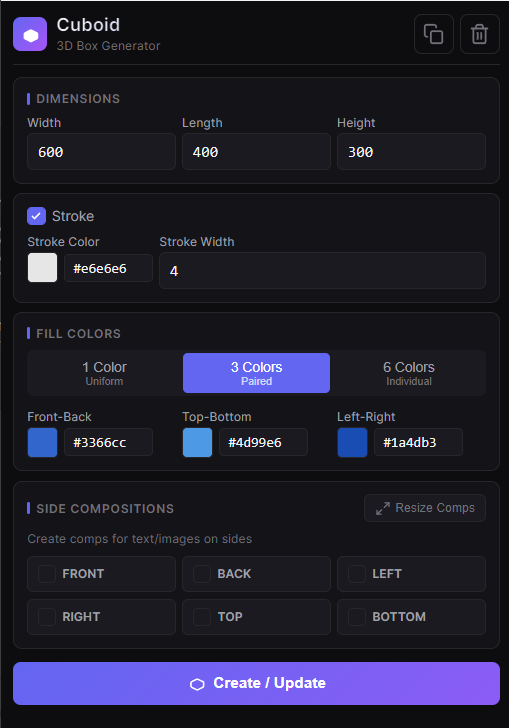
1. Open a composition and open the Cuboid panel. 2. Set dimensions: Width, Length, Height. 3. Choose a Color Mode: - 1 Color / 3 Colors / 6 Colors 4. Set fill colors based on the selected mode. 5. Enable Stroke (optional) and set Stroke Color + Width. 6. (Optional) Enable Side Comps for any face you want (Front/Back/Left/Right/Top/Bottom). 7. Click Create / Update to generate the 3D box.Updating a Box
1. Select an existing Cuboid layer in the timeline. 2. Adjust settings in the panel. 3. Click Create / Update again.Side Compositions
1. Enable side comps when creating/updating. 2. Open the created comps (e.g.,Side_Front_XXXX) and add your graphics.
3. If you change box dimensions later, click Resize Comps to match the new sizes.
Duplicate
1. Select a Cuboid layer. 2. Click Duplicate (copy icon) to create an independent copy with a new ID.Remove
1. Select a Cuboid layer. 2. Click Remove (trash icon) to delete the box and all associated comps.Notes
- Advanced settings are available in Effect Controls (Roundness, Fill/Stroke toggles, hole fill options).
- Each box is fully independent, so you can build multiple boxes in one project and edit them separately.