Overview
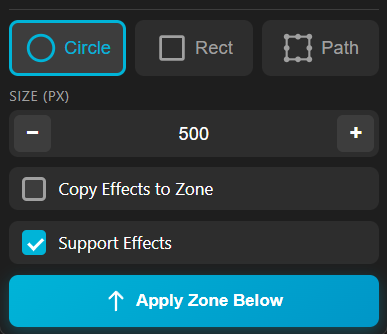
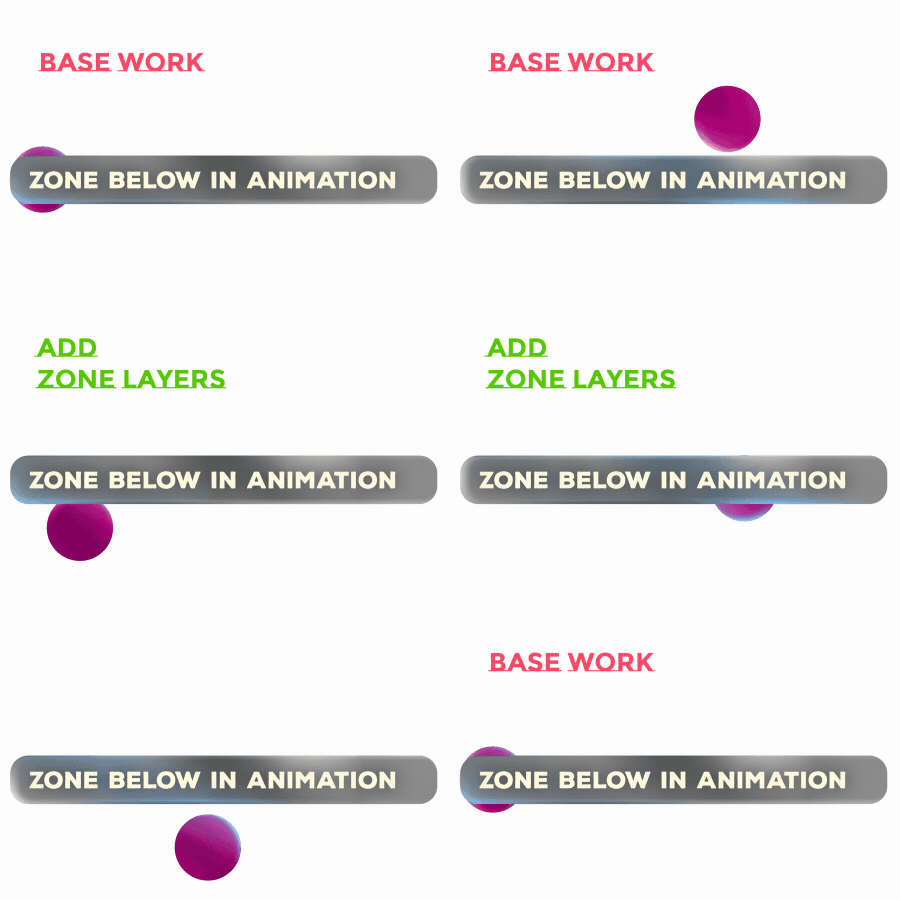
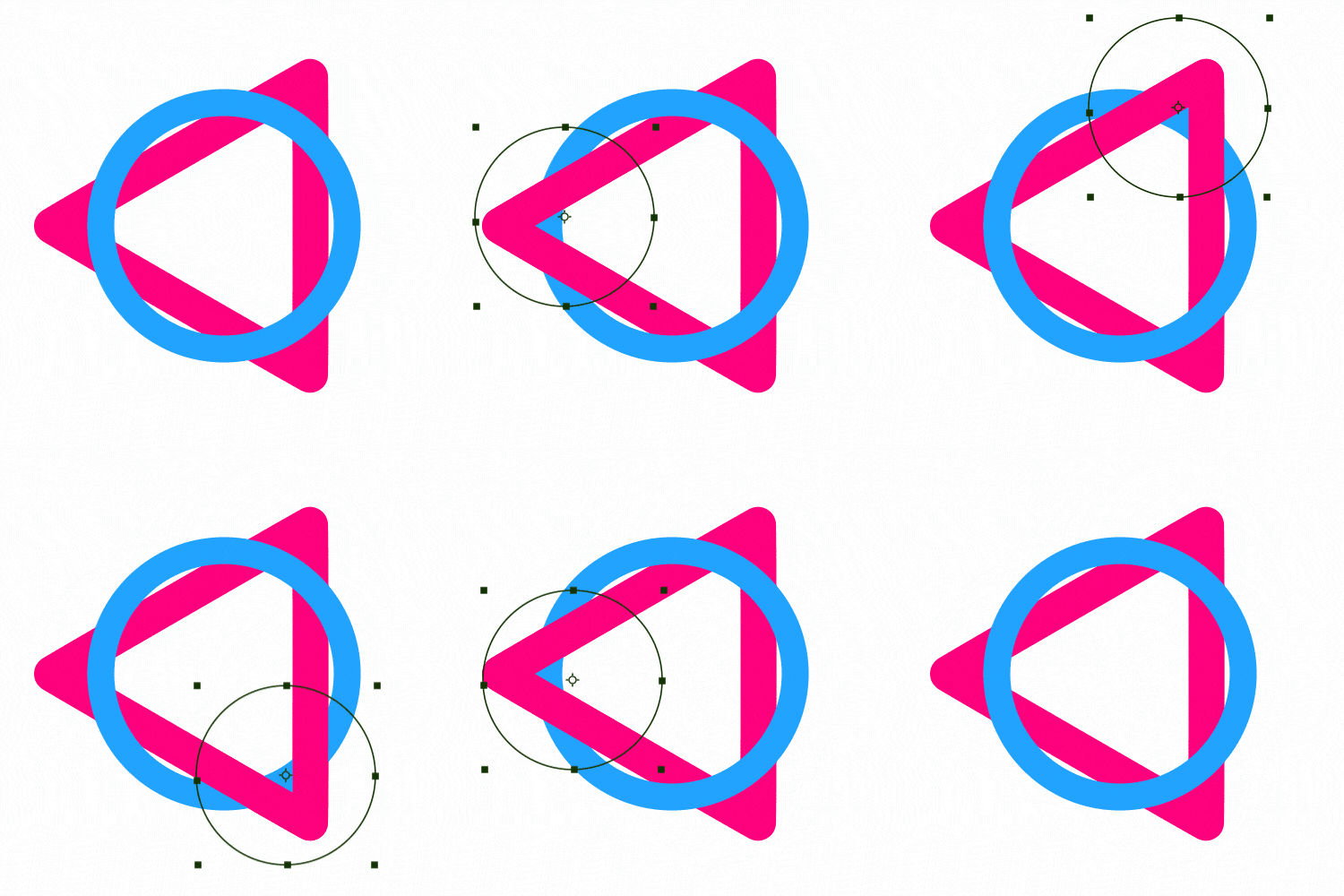
Zone Below lets you dynamically reveal and control the visibility of the layer underneath using special Zone layers. Choose a zone shape (Circle, Rect, or custom Path), set its size, and create a clean reveal area that you can animate like any other layer.
Features
- Reveal any part of the layer below using a Zone layer
- Zone shapes:
- Pixel-based Size control
- Optional Copy Effects to Zone (duplicate + link effects from the source)
- Optional Support Effects (enables Effects & Masks mode support)
- Works with Text, Shape, and Pre-comp layers
- One-click setup with Apply Zone Below
How to Use
1. Select a Text, Shape, or Pre-composed layer. 2. Choose a zone shape type: Circle, Rect, or Path. 3. Set the zone Size (px). 4. (Optional) Enable Copy Effects to Zone to duplicate and link effects from the source layer. 5. (Optional) Enable Support Effects to use Effects & Masks mode. 6. Click Apply Zone Below to create the Zone layer.
Notes
- Animate the Zone layer’s transform to create moving reveals.
- Use Path mode when you need a custom reveal shape instead of simple geometry.