Light Patterns
Apply realistic light patterns and shadow overlays to your compositions. Includes 83 pre-made patterns across 6 categories: Window (33), Cross Frame (20), Curtain (12), Object (9), Blinds (7), and Underwater (2). Each pattern features adjustable position, rotation, intensity, color, shadow softness, and animation controls. Supports smart deletion.

Overview
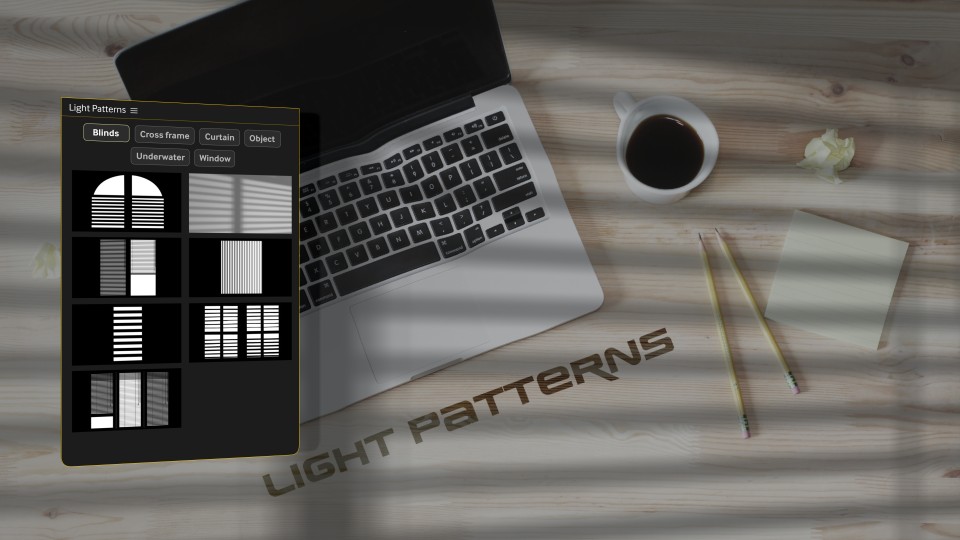
Light Patterns adds realistic light-and-shadow overlays to your compositions—like sunlight through windows, blinds, curtains, or cinematic gobos. Choose from 83 pre-made patterns across multiple categories, apply with a click, then fine-tune color, intensity, softness, and animation directly in Effect Controls. It also includes smart deletion that cleans up both the layer and its related project folder.
Features
- 83 ready-to-use light pattern overlays
- 6 categories:
- Adjustable controls per pattern:
- Click workflow:
- Smart deletion removes:
How to Use
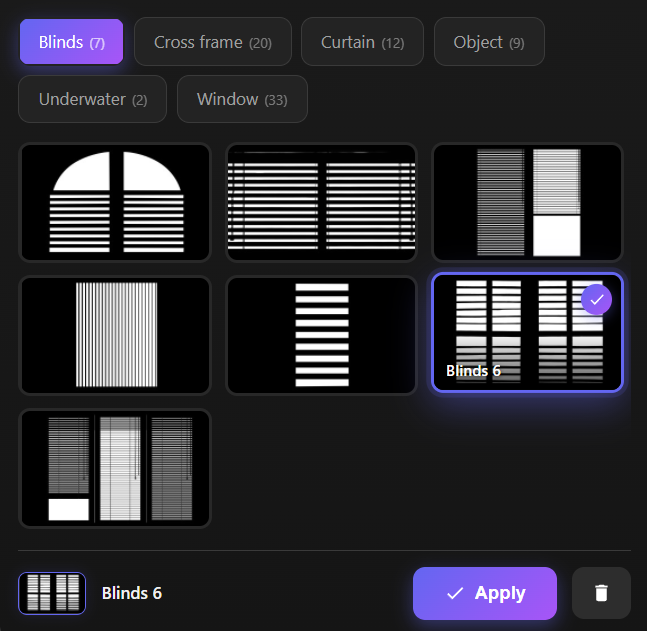
1. Open the composition where you want the light pattern. 2. Browse categories using the tabs: Window / Cross Frame / Curtain / Object / Blinds / Underwater 3. Click a thumbnail to select it (single click), or double-click to apply immediately. 4. Click Apply to add the selected pattern to the active composition. 5. Adjust the look in Effect Controls, including: - Position (Start/End), Rotation - Light Color, Intensity, Cone Angle - Shadow properties + softness - Pattern/Window transform and shading options 6. To delete: - Select a Light-Pattern layer in the timeline and click the trash icon (or press Delete) This removes both the layer and its associated project folder.
Notes
- Use Blinds and Window patterns for fast cinematic sunlight setups.
- Underwater patterns work great as subtle moving caustics on floors and backgrounds.