Style by FX
Create unique styles with effects for Text, Shapes, and pre-comps. Automatically replaces previous styles.
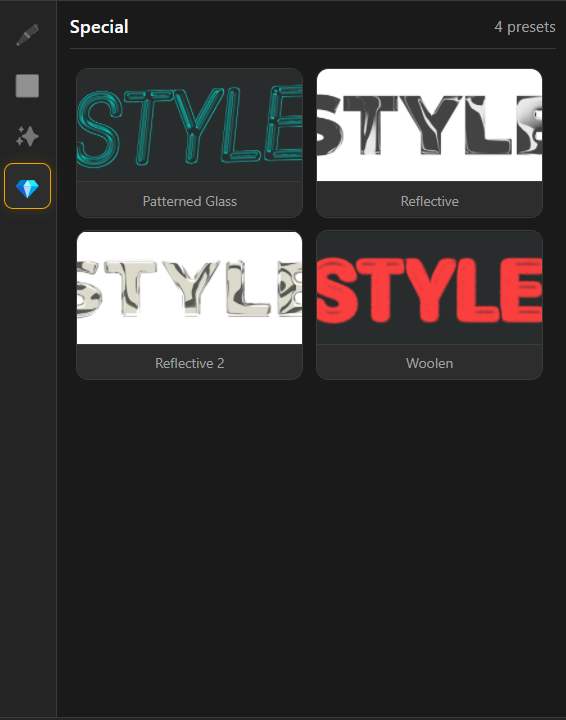
Overview
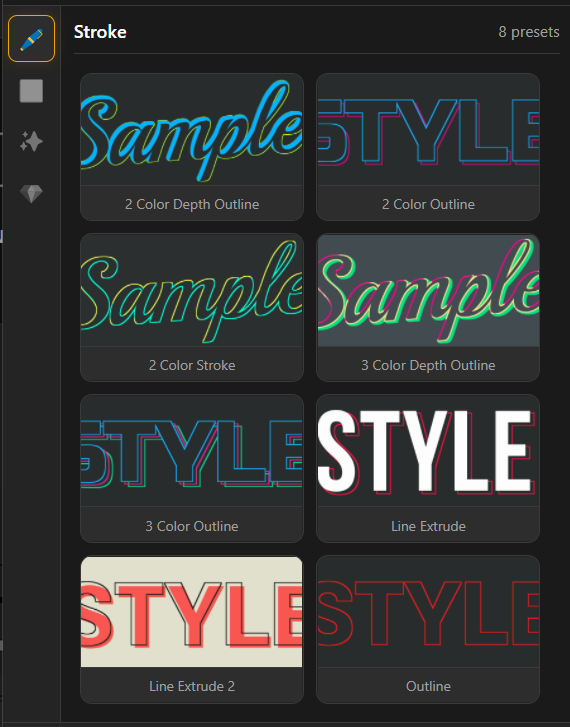
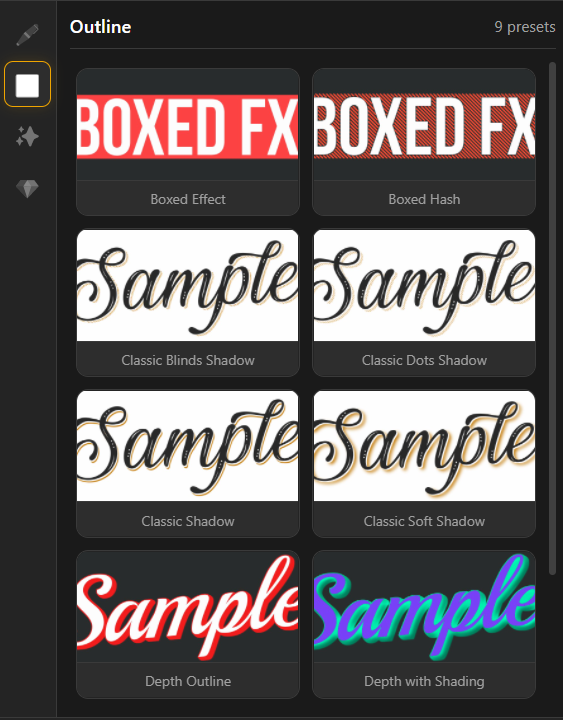
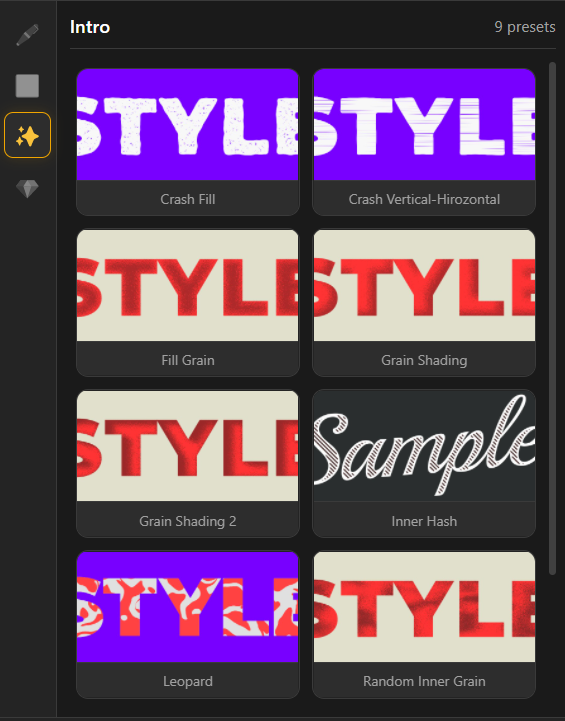
Style by FX applies ready-made effect-based styles to Text, Shape, and Pre-comp/Solid layers in After Effects. Pick a category, click a preset thumbnail, and the tool builds a clean style stack on your layer. Reapplying a new preset automatically replaces the previous style, so you can iterate fast.
Features
- One-click styling for Text, Shapes, and Solids/Pre-comps
- Categories included:
- Preset thumbnails for quick preview and selection
- Automatically replaces the previous style when applying a new preset
- Fine-tune the look in Effect Controls after applying
- Cleanup tool: Delete Effects removes all SM_ effects from the selected layer
How to Use
1. Select a Text, Shape, or Solid layer (Pre-comp works too). 2. Choose a category: Stroke, Outline, Intro, or Special. 3. Browse the preset thumbnails. 4. Click any preset to apply it to your layer. 5. Adjust the applied effect settings in the Effects Control Panel. 6. If you want to remove styles, click Delete Effects (this removes all SM_ effects from the selected layer).
Notes
- Apply different presets to quickly test multiple looks without manually rebuilding effects.
- If you only want to remove the styling created by this tool, use Delete Effects instead of deleting effects one by one.