🔤 Text & Numbers free
Text Splitter
Split a text into separate layers by character, word, or line with smart placement.
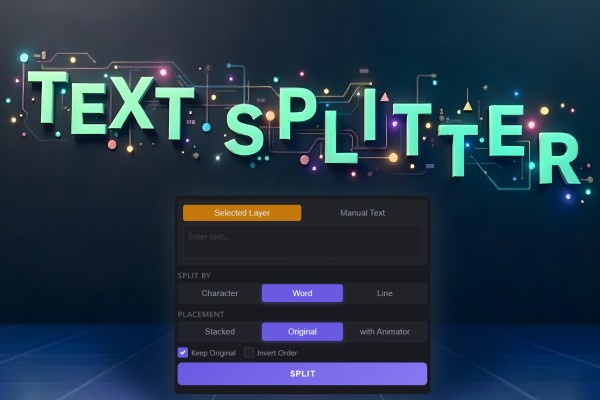
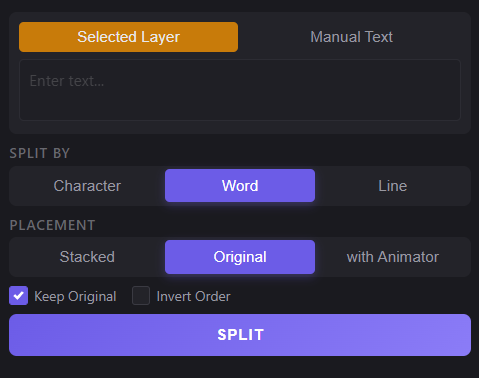
Overview
Text Splitter v1.3 breaks a single text into multiple layers by Character, Word, or Line — perfect for building kinetic typography and per-part animations. You can type text manually or use a selected text layer, then choose a smart placement mode that keeps everything clean and easy to animate.
Features
- Split text into separate layers by Character / Word / Line
- Two input modes:
- Smart output placement:
- Optional controls:
- Fast one-click result with Split
How to Use
1. Choose your source: - Manual Text (type your text), or - Selected Text Layer - Keep Original: ON = hide the source layer, OFF = delete it. 2. Choose how to split: Character / Word / Line. 3. Choose placement: - Stacked, or - Original Positions (keeps proportional spacing for a natural look). 4. Click Split.
Notes
- Use Character mode for per-letter reveals and glitches.
- Use Word mode for subtitle-style animations and punchy typography.
- Use Line mode for multi-line titles where each line needs its own animation.